Guide
One screen. Three questions.
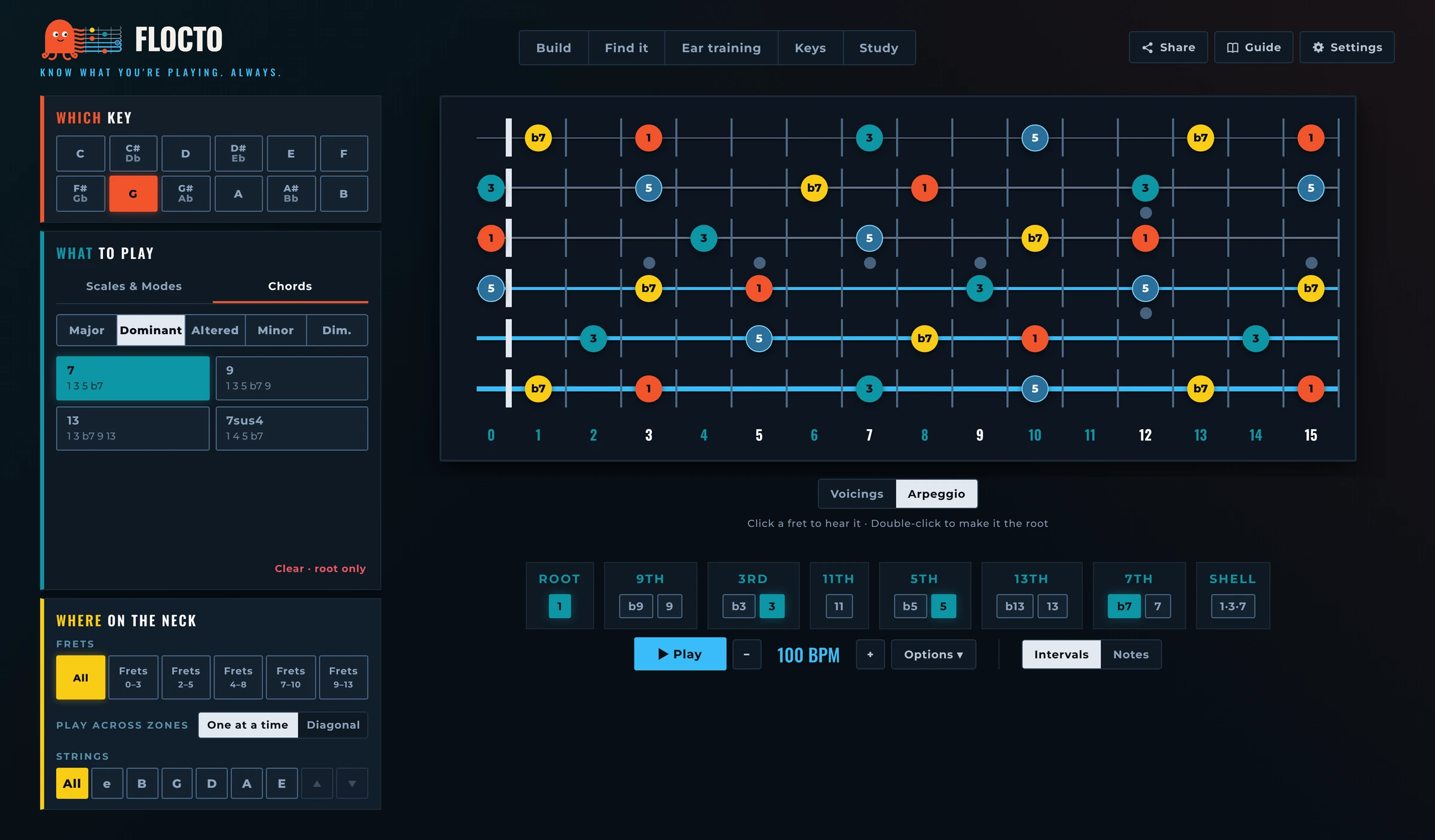
Which key, what to play, where on the neck. The column on the left answers them; the neck shows the result; the bar under the neck plays it. The numbers follow the order to learn it in: start at 1.
- 1
Which key
The root, the note everything is measured from. Start here. Black keys show both names (C# and Db) until you pick one; then the button shows the spelling that fits what you play: Db major, G# minor.
- 2
What to play
Scales and modes on one tab, chords on the other. First pick the family, Major, Dominant, Minor or Dim. (chords also have Altered), then the scale or chord: each button says what makes it different (Dorian: minor with a 6) or lists its degrees (Maj 7: 1 3 5 7). A triad or a seventh chord opens as a voicing, the way you play it (see Chords, below). Clear · root only leaves just the root, so you can build your own sound with the degree chips (5).
- 3
Where on the neck
Frets: the whole neck, or one of five 4–5 fret areas. Pick two neighbouring areas to play across them: One at a time (the default) plays each area in turn, Diagonal runs one line up the neck. Strings: keep only some strings, a pair or three, and follow the neck sideways; the arrows slide the set one string up or down.
- 4
The neck
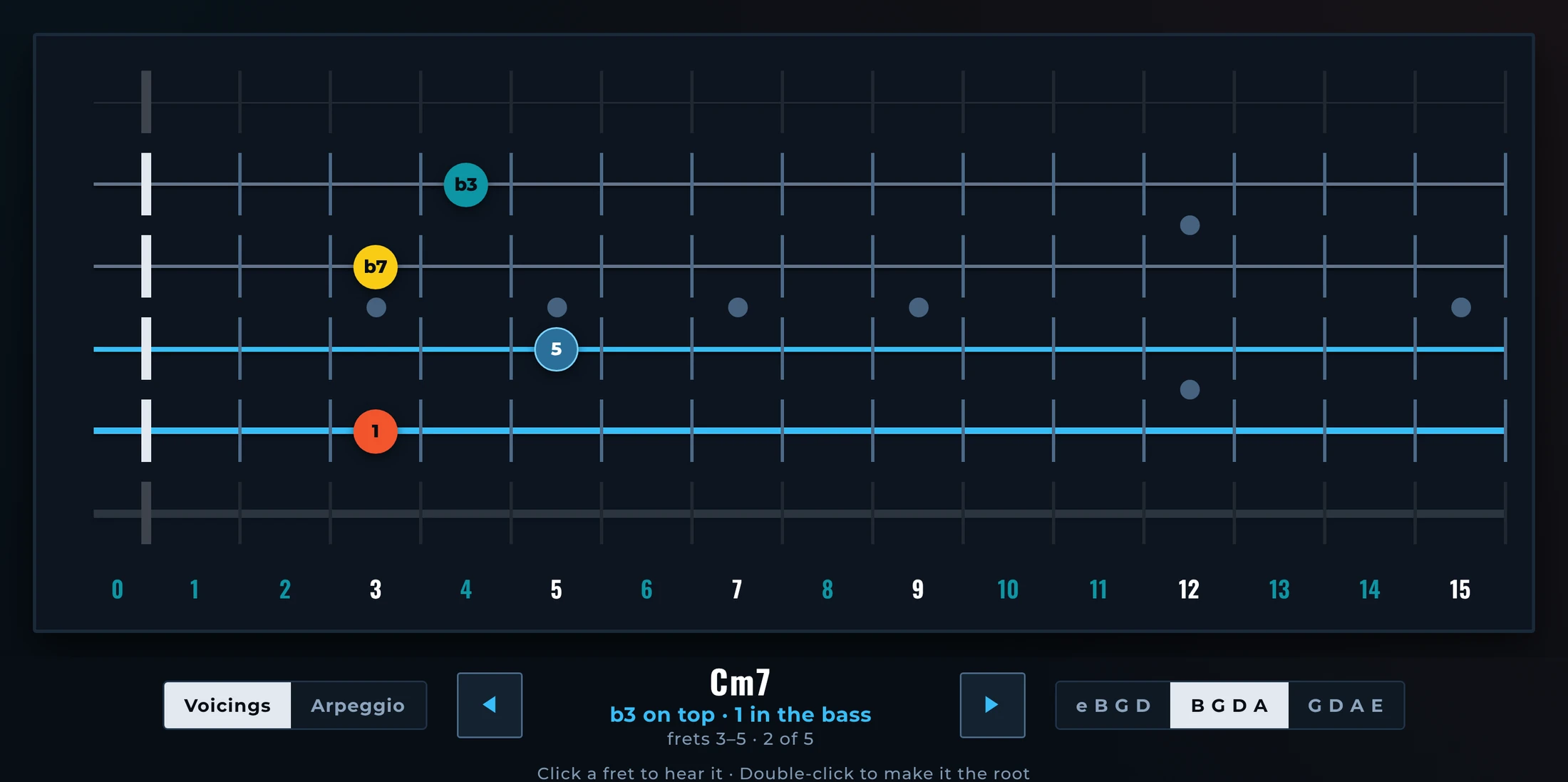
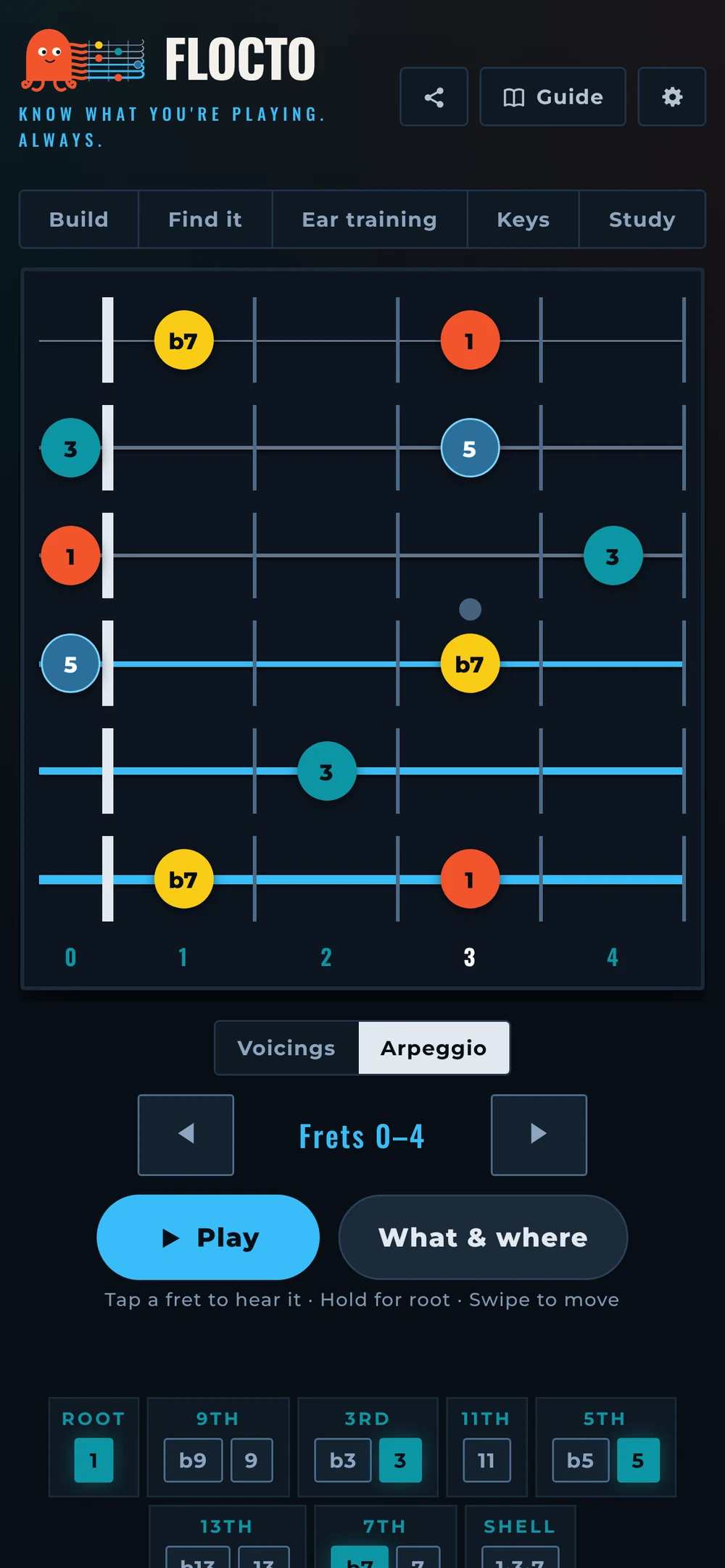
Every note shows its degree over the root. Colour is the note's job: root coral, third teal, fifth blue with a ring, seventh yellow, tensions (9, 11, 13) outlined in violet. Click a fret to hear it; double-click it, or hold it on a phone, to make it the new root. Intervals or Notes, next to Options, switches the circles between degrees and note names.
- 5
Degree chips
Switch single degrees on and off. Each group offers its versions: b9 or 9, b3 or 3, b5 or 5, b13 or 13, b7 or 7. Turn off the 5 and the 9 and you see only what defines the chord. Shell 1·3·7 keeps only root, third and seventh across the whole neck.
- 6
Play
Play runs the lit notes from the root to the root, lighting each one as it sounds, with real guitar samples. On a voicing it strums the chord, one inversion after another up the neck. − / + change the tempo. On a computer the space bar plays and stops.
- 7
Options
Everything about how Play sounds: the tempo slider, the subdivision (eighths, triplets, 16ths), the pattern (straight, 3rds, in 3s or 4s, and on a scale Triads or 7th chords: the arpeggio of every degree, one after another), Loop to repeat, and Drone, which holds the root (1) or root and fifth (1+5) under everything. The button says when Loop or Drone is on.
- 8
Exercises
Once the neck makes sense, train it. Build, Find it, Ear training and Keys are exercises; Study is a clean, full-width neck for playing along. To go back, press Exit or the ✕ on the tab you are in.
- 9
Share, Guide and Settings
Share copies a link to this exact neck: key, scale or chord, frets and strings. Guide explains how the exercise you are in works, then the colours and every degree. Settings holds what you choose once: note names (C D E or Do Re Mi), sound (Jazz, Nylon, Synth), theme (Auto, Cream, Night), left-handed neck, metronome click and count-in. Flocto remembers them.